When you're choosing prospecting automation, the real question isn't what a tool can do in isolation. It's whether it can chain LinkedIn research, CRM updates, and email drafts into one uninterrupted flow without you clipboard-pasting between tabs. Most solutions either require complex API setups or only work inside their own walled garden. Browser-based automation sidesteps both problems by acting directly on the logged-in sessions you already have open, turning your fragmented stack into a single workspace.
TLDR:
- SDRs spend only 28% of their week selling; the rest goes to CRM updates and switching between tools
- Browser-based automation works across your existing stack using logged-in sessions with no API setup
- AI agents can chain research, CRM updates, and email drafts into one workflow that runs locally
- Look for SOC-2 Type 2 compliance and zero data retention policies with AI subvendors when comparing tools
- Composite automates multi-step SDR tasks across any website in your existing browser with a keyboard shortcut
How SDRs Actually Spend Their Time (And Why It Matters)
The average SDR spends roughly 28% of their week actually selling. The rest goes to CRM updates, copying data between tabs, researching prospects across LinkedIn and company websites, formatting notes, and toggling between a half-dozen apps that never quite talk to each other.
That breakdown matters more than most sales leaders realize. When nearly three-quarters of a rep's day goes to work that supports the sale but never moves a deal forward, you hit a productivity ceiling that browser automation tools for sales teams are designed to eliminate. Hiring more reps doesn't fix it. You just multiply the waste.
Think about what a typical prospecting block looks like: open LinkedIn, find a contact, flip to the CRM, log the info, switch to an email tool, draft outreach, circle back to verify a detail. Modern browser automation tools can handle these steps automatically. Each context switch is small. Stacked across dozens of prospects a day, they add up to hours lost. And that's the gap worth closing.
The Hidden Cost of Tool Sprawl in SDR Workflows
Most SDR teams run on a stack of about 10 different tools to close deals. Sequencer, dialer, CRM, LinkedIn, enrichment service, email, calendar, notes app, reporting dashboard, maybe a shared doc or two. Salesforce research shows that 66% of sales reps feel overwhelmed by the sheer number of tools they're expected to juggle daily.
The cognitive tax is steeper than it sounds. Research on multitasking consistently shows that toggling between two tasks can eat up 20% of productive capacity. Add a third, and that number climbs to 40%.
For SDRs, this isn't an abstract productivity stat. It's the difference between booking five meetings in a day and booking three.
Every alt-tab carries a cost: broken focus, lost train of thought, slower ramp back to the prospect you were just researching. Multiply that across a team of ten reps, and you're looking at dozens of hours evaporating each week into the space between apps.
Why Browser Based Tools Solve the SDR Productivity Problem
The problem isn't that SDRs lack tools. It's that those tools don't talk to each other where work actually happens: the browser. Cloud RPA solutions run headlessly on remote servers, which means they get blocked by websites, require complex setup, and need IT approval before anyone touches them. Single-app AI features only work within their own walled garden. Neither approach meets reps where they already are.
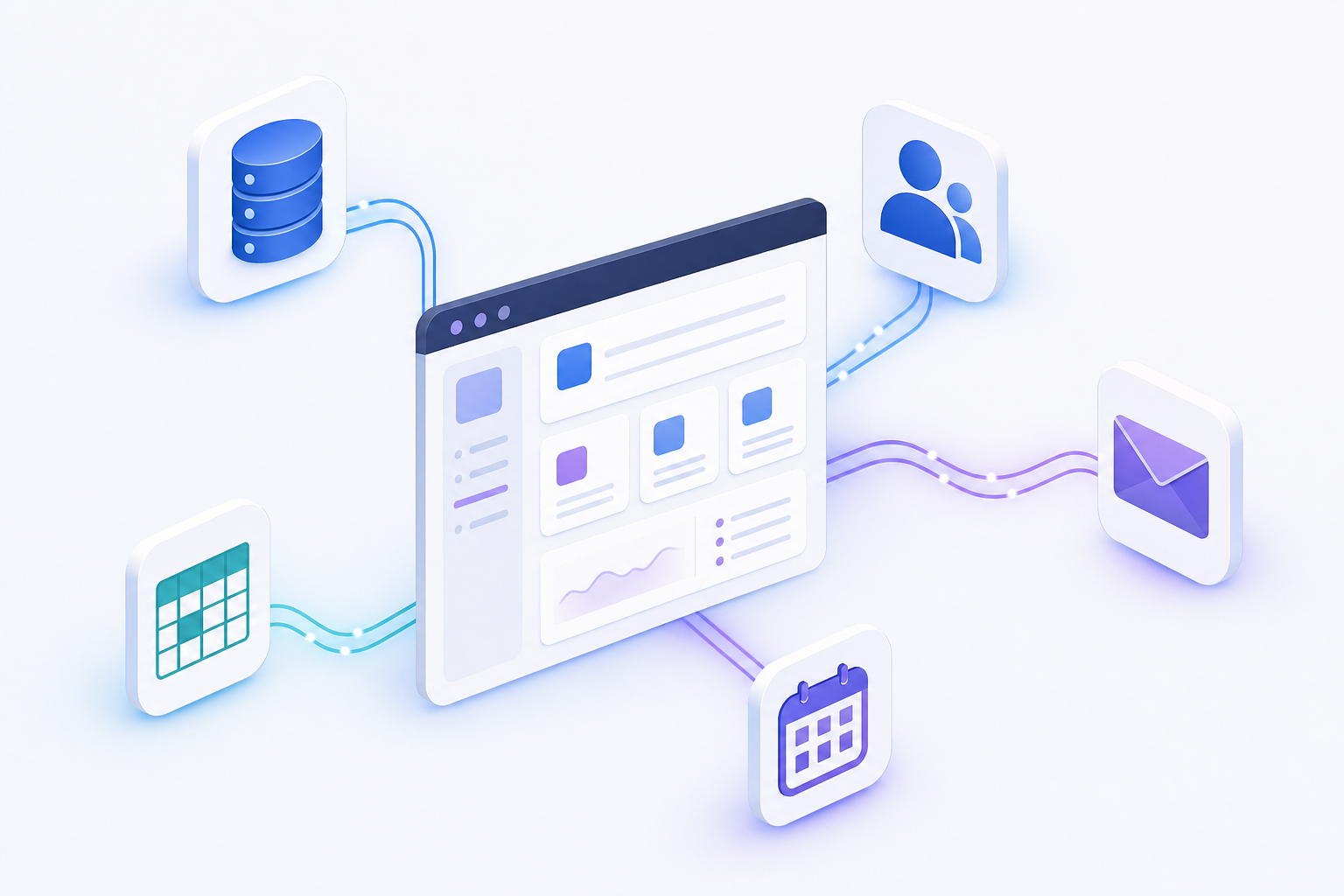
Browser-based automation flips the model. Three advantages stand out:
- It piggybacks on your existing logged-in sessions. No API keys, no OAuth flows, no re-authentication across every service. If you're signed into LinkedIn, your CRM, and Gmail, the tool can act across all of them immediately.
- Actions execute locally on your device. That means faster response times and far fewer website blocks compared to cloud-based agents hitting servers from unfamiliar IPs.
- It works across any website. There's no dependency on pre-built integrations or connectors. A sequencer, an enrichment database, a spreadsheet, your CRM: all fair game in one workflow.
This is what makes the browser the right integration layer for a fragmented SDR stack. Instead of asking reps to learn yet another app, you give them automation that lives on top of the apps they already have open.
Automation Approach | Setup Complexity | Cross-Tool Coverage | Execution Speed | Website Blocking Risk | IT Approval Required |
|---|---|---|---|---|---|
Browser-Based Automation (Composite) | No API keys or OAuth flows needed. Works with existing logged-in sessions immediately. | Works across any website in your browser including LinkedIn, CRM, Gmail, sequencers, and enrichment tools without pre-built connectors. | Fast local execution on your device with immediate response times. | Low risk because actions use your authenticated sessions from familiar IPs instead of remote servers. | Minimal approval needed since execution is local and uses existing browser sessions. |
Cloud RPA Solutions | Complex setup requiring API configuration, authentication flows, and technical implementation across each service. | Limited to services with available API integrations. Custom connections require engineering resources. | Slower response due to remote server execution and network latency. | High risk of blocks because remote servers trigger security flags with unfamiliar IP locations. | Extended IT review cycle required for cloud infrastructure and credential management. |
Single-App AI Features | Simple setup within the specific application but requires separate configuration for each tool. | Only works within the individual application's walled garden. Cannot chain actions across multiple platforms. | Fast within the single application but breaks down when workflow spans multiple tools. | No blocking risk within the native app but no cross-application capability. | Varies by application but typically requires admin approval for AI feature enablement. |
Core Capabilities for SDR Browser Tools in 2026
Not every browser tool is built with SDR workflows in mind. When you're comparing options, four capabilities separate the useful from the forgettable:
- Multi-step task execution. A tool that can only do one thing at a time still leaves you stitching steps together manually. The leading AI browser extensions to boost productivity handle complete workflows instead. The right solution chains research, CRM updates, and email drafts into a single flow so you're not babysitting each handoff.
- Natural language input. If you have to write scripts or configure logic trees, you've traded one type of busywork for another. Top-tier AI browser extensions for 2026 accept plain English commands. You should be able to describe a task in plain English and watch it run.
- Cross-site operation. LinkedIn, Salesforce, Gmail, your sequencer: a capable browser tool for SDRs moves between all of them in one sequence without pre-built connectors or API setup.
- Proactive task detection. Instead of waiting for you to issue a command, the tool recognizes patterns in your daily work and surfaces suggestions before you ask. Much of that non-selling time is repetitive enough to predict.
Each of these capabilities targets the same root issue: reps losing hours to fragmented, manual steps that could run in the background. When you're comparing sdr prospecting tools, these four checkboxes tell you whether a product was designed for how reps actually work or just how demos look on a webinar.
How AI Enhances Browser Based Prospecting Workflows
AI in browser automation falls into two camps, and the distinction matters. Assistive AI suggests a next step and waits for you to approve it. Agentic AI plans and completes multi-step workflows end to end. Both have a place, but only the second type meaningfully reclaims hours from repetitive prospecting automation.
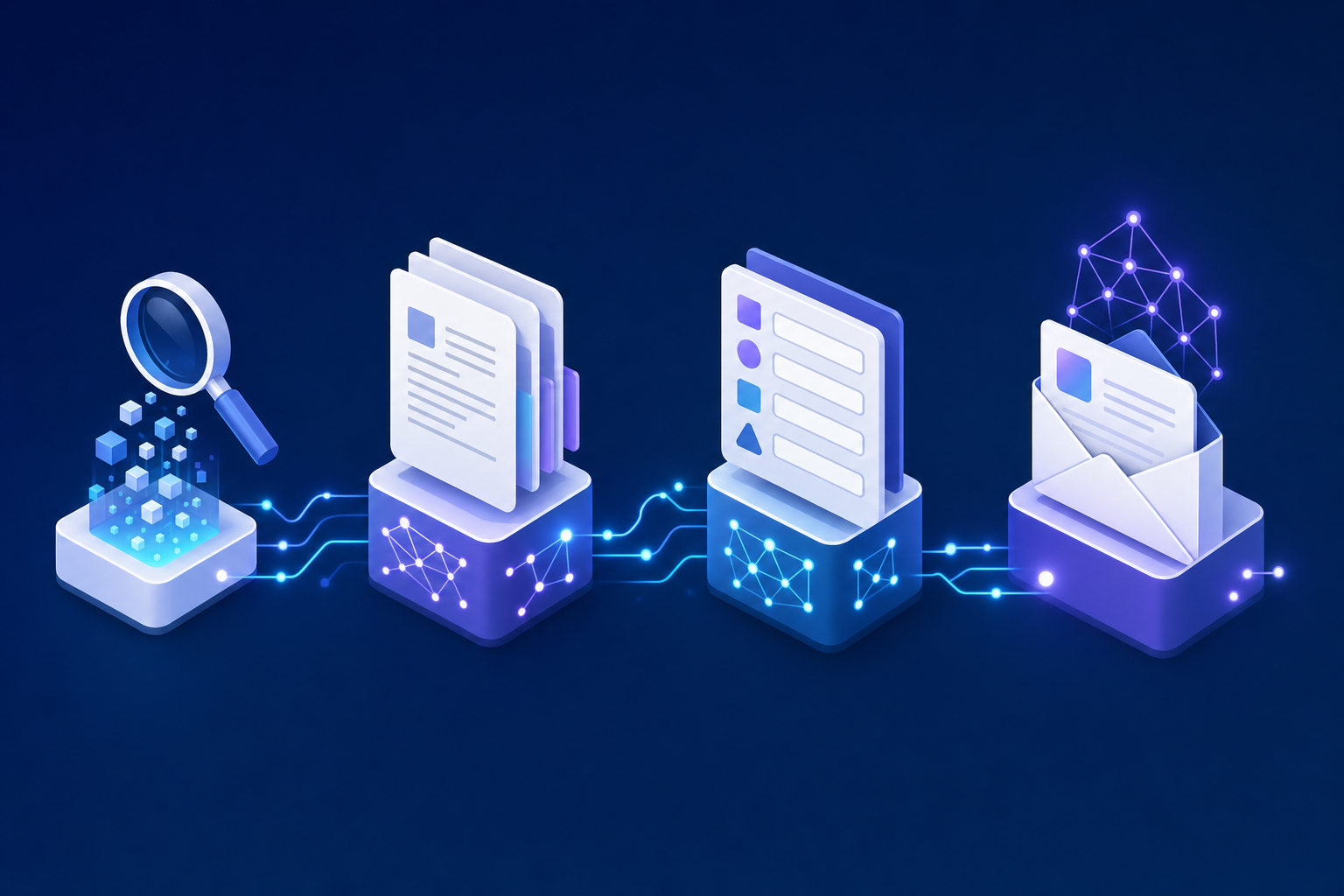
Consider what agentic execution looks like in practice for SDR prospecting tasks:
- Research a prospect across LinkedIn, their company site, and recent news, then synthesize findings into a brief you can act on immediately.
- Extract contact and firmographic data from multiple sources and write it directly into your CRM fields without manual copy and paste.
- Draft personalized outreach using the context just gathered instead of falling back on a generic template.
- Adapt on the fly when a website layout changes or a page loads differently than expected, keeping the workflow intact.
The practical question for any SDR workflow automation strategy is whether the AI you pick can string those steps together without you clipboard-pasting between tabs.
Security and Compliance Considerations for Browser Automation
Any tool that clicks through your CRM and LinkedIn on your behalf raises fair questions from IT. Who sees the data? Where do actions execute? How is your information handled?
These aren't reasons to avoid browser automation. They're criteria for choosing the right vendor. A few things to look for:
- SOC-2 Type 2 compliance as a baseline. If a vendor hasn't passed this audit, you're trusting their word on security practices without third-party verification.
- Zero data retention policies with AI subvendors. The AI models powering the automation should never retain or store any of your data.
- Local browser execution. When actions run on your own device inside your existing browser sessions, you sidestep the risk profile of cloud-based agents that route your credentials and data through remote servers.
Local execution matters more than most buyers realize. Cloud RPA tools authenticate from unfamiliar environments, which triggers security flags and often requires a separate IT review cycle. For more on these trade-offs, see our task automation complete guide. A browser extension running locally uses the sessions you've already authenticated, keeping your compliance surface area small and your rollout timeline short.
Integrating Browser Tools With Your Existing SDR Tech Stack
The goal isn't ripping out your sequencer or swapping CRMs. It's layering automation on top of what already works. Browser tools sit above your stack, so CRM integration happens through the same UI your reps already use instead of through backend connectors that need engineering time to maintain.
Start with a pilot. Pick two or three high-frequency, low-complexity workflows: logging call notes into Salesforce, pre-call research across LinkedIn and your enrichment tool, or syncing data between your sequencer and CRM. Assign a small group of reps, run it for two weeks, and measure time saved per task against baseline.
From there, scale by workflow complexity, not team size. A few design principles worth keeping in mind:
- Automate the steps between tools first. The copy-paste gaps between your sequencer, CRM, and enrichment sources are where reps lose the most minutes per hour.
- Let the browser tool handle data movement while reps keep ownership of judgment calls like messaging tone and deal strategy.
- Track meetings booked per hour of prospecting instead of just tasks completed. Activity volume without pipeline impact is a vanity metric.
Change management is simpler than you'd expect when the tool lives inside the browser reps already have open. There's no new login, no separate dashboard, no week-long training. That low friction is the adoption advantage.
Composite: The Browser Autopilot Built for SDR Workflows
Everything we've covered in this post points to a specific set of requirements: cross-site execution, natural language input, local browser action, proactive pattern recognition, and enterprise-grade security. Composite checks every one of those boxes.
Hit Cmd + Shift + Space inside Chrome, Edge, or Brave, describe a prospecting task in plain English, and Composite plans and runs it click by click. Research a prospect across LinkedIn and their company blog, log findings into Salesforce, draft a personalized first touch in Gmail. One prompt, no tab juggling, no API keys.
Because actions execute locally in your existing browser sessions, there's nothing new for IT to approve or reps to learn. Your logged-in state is the integration layer. Our AI subvendors never retain or store your data, and Composite is SOC-2 Type 2 compliant. Over time, Composite picks up on your daily patterns and starts suggesting repetitive work before you reach for the keyboard, functioning as one of the top AI browser agents for enterprise productivity.
Final Thoughts on Browser Automation for Sales Teams
SDR prospecting tools should save time, not create new training overhead. When automation runs locally in your browser across every site your team touches, you sidestep the API setup and server blocks that slow down cloud tools. Your reps get hours back each week to focus on pipeline instead of admin. Curious how this fits your stack? Get in touch.
FAQ
Can I use a browser tool for SDRs without getting blocked by LinkedIn or my CRM?
Yes, when the tool runs locally in your existing browser sessions. Cloud-based automation gets flagged because it operates from remote servers with unfamiliar IPs, but local execution uses your already-authenticated sessions, avoiding most website blocks.
What's the best way to automate prospecting without learning to code?
Look for tools with natural language input that let you describe tasks in plain English. The right browser automation should handle multi-step sequences: research, CRM logging, email drafting, all without requiring scripts or configuration trees.
Browser extension vs cloud RPA for SDR prospecting?
Browser extensions run locally on your device using your logged-in sessions, requiring no API setup or IT approval cycles. Cloud RPA tools execute on remote servers, which triggers security blocks, needs complex authentication, and usually requires engineering support to maintain.
How much time do SDRs typically save with prospecting automation?
SDRs spend only 28% of their week actually selling, with the rest lost to CRM updates, research, and app-switching. Automating cross-tool data movement and research workflows can reclaim multiple hours per rep per day, directly increasing meetings booked per prospecting hour.
What security requirements matter for SDR workflow automation tools?
Verify SOC-2 Type 2 compliance, confirm that AI subvendors operate under zero data retention policies, and check that actions execute locally in your browser instead of on remote cloud servers. Local execution keeps your compliance surface small and your rollout fast.