Long gone are the days when contact center automation just meant better call routing. Today it covers conversational AI, agent-assist tools, and intelligent ticketing, but most platforms stop short of the workflows that consume the most agent time.
Your team closes a call, then spends the next six minutes toggling between CRM tabs, copying ticket details into Salesforce, and pulling up customer context from a knowledge base that lives in a separate browser. The CCaaS market reached $9.07 billion in 2026 and is projected to grow at 17.5% CAGR, driven by AI adoption and automation demands that tackle exactly these workflow inefficiencies.
Automation solves the conversation, but the browser-based grunt work still runs on manual copy-paste loops that nobody tracks or measures.
TLDR:
- Contact center automation uses AI and RPA to handle repetitive tasks like call routing and ticket updates, cutting cost per contact by 20% to 40%.
- Only 25% of call centers have successfully integrated AI automation into daily operations despite widespread tool ownership.
- Start with high-volume, low-complexity workflows like password resets to build momentum before tackling complex interactions.
- Track six KPIs including first call resolution and containment rate to measure whether your automation investment pays off.
- Composite automates browser-based agent work like syncing CRM notes and pulling customer context across tabs without requiring API integrations.
What Is Contact Center Automation
Contact center automation is the application of AI, RPA, and intelligent routing to handle repetitive customer service tasks that would otherwise consume agent time. Think call routing, ticket categorization, response drafting, post-call logging. Instead of agents toggling between five screens to update a record, automated workflows do it in seconds.
What separates this from legacy IVR systems or basic call scripts? Scope and intelligence. Legacy setups follow rigid decision trees. Automated contact centers use conversational AI and agent-assist tools that adapt to context, working across voice, chat, email, and SMS simultaneously. The result is faster resolution for customers and fewer low-value tasks for agents.
Whether you're running a 20-person support team or a 2,000-seat operation, the underlying goal stays the same: let software handle the predictable so humans can handle the complex.
Core Technologies Powering Contact Center Automation
Five categories of tech do most of the heavy lifting. Understanding what each one handles helps you figure out where to invest first.
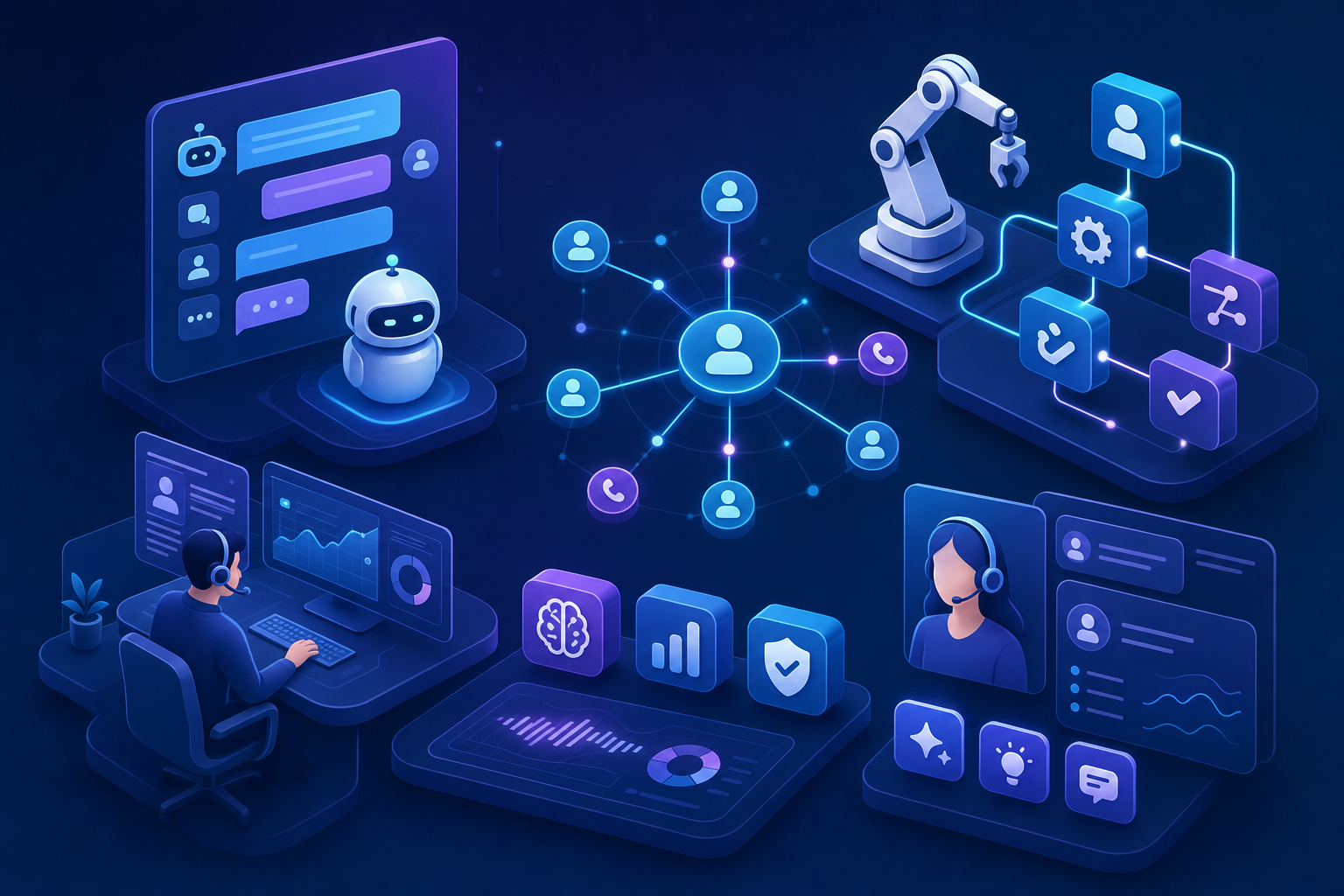
- Conversational AI and chatbots interpret customer intent across text and voice, resolving common questions without human involvement. They get smarter with each interaction, unlike static FAQ bots.
- IVR systems collect caller information upfront and direct calls to the right queue. Newer versions accept spoken responses instead of forcing keypad menus.
- RPA bots handle structured, rules-based work: pulling up account records, copying data between systems, generating after-call summaries. They're fast and consistent, but they need well-defined steps.
- Intelligent call routing goes beyond round-robin distribution. It matches incoming contacts to agents based on skill, workload, language, or even customer sentiment.
- Agent assist tools surface real-time suggestions, knowledge base articles, and next-best-action prompts while a conversation is still happening.
These categories rarely operate in isolation. A single customer interaction might trigger an IVR handoff, route through an AI-scored queue, and land with an agent who sees live coaching prompts on screen. The value comes from layering them together.
Technology | Primary Function | Best Use Cases | Implementation Complexity |
|---|---|---|---|
Conversational AI and Chatbots | Interpret customer intent across text and voice channels, resolve common questions without human involvement, learn from each interaction | Password resets, order status checks, balance inquiries, FAQ responses, appointment scheduling | Medium to high. Requires training data, intent modeling, and ongoing tuning for accuracy. |
IVR Systems | Collect caller information upfront, direct calls to appropriate queues based on input or speech recognition | Call routing, account verification, department selection, basic information gathering | Low to medium. Newer speech-enabled versions require more configuration than traditional keypad systems. |
RPA Bots | Execute structured, rules-based tasks across systems without human input, copy and sync data between applications | Pulling account records, generating call summaries, updating CRM fields, copying ticket details across systems | Medium. Needs well-defined processes and stable system interfaces to avoid breaking when UIs change. |
Intelligent Call Routing | Match incoming contacts to agents based on skill, workload, language, customer value, or sentiment analysis | Priority customer handling, skill-based assignment, load balancing, escalation management | Medium. Requires integration with phone system and customer data sources for effective matching. |
Agent Assist Tools | Surface real-time suggestions, knowledge base articles, next-best-action prompts, and coaching during live conversations | Complex problem resolution, compliance guidance, upsell recommendations, new agent onboarding | Medium to high. Needs access to knowledge bases, CRM data, and conversation analytics for contextual suggestions. |
Key Benefits of Contact Center Automation
Labor accounts for 60 to 70% of total costs in enterprise contact centers, and call center turnover ratescall center turnover rates add another $10,000 to $20,000 per departed agent in direct replacement expenses.
That single number explains why automation keeps landing on executive shortlists.
When you deflect even a fraction of routine inquiries, the savings compound fast.
But cost is only one piece.
The real case spans five areas, especially as automation adoption accelerates dramatically from 1.6% of interactions in 2022 to a projected 20% by 2026:
- Cost reduction through fewer manual touchpoints per interaction, lower average handle time, and reduced after-call work.
- Faster, more consistent customer experience. Automated responses don't have off days, and they resolve simple requests in seconds rather than minutes on hold.
- Scalability without linear headcount growth. Seasonal spikes stop being staffing emergencies.
- Higher agent productivity, because reps spend their energy on problems that actually require judgment.
- Richer data and reporting. Every automated interaction generates structured data you can act on, beyond simply storing it.
Gartner predicts that by 2028, at least 70% of customers will use a conversational AI interface to begin their customer journey. That forecast signals where buyer expectations are heading. Organizations that invest now position themselves ahead of that curve rather than scrambling to catch up once it arrives.
Common Contact Center Automation Use Cases
Most of these show up across industries, from banking to healthcare to e-commerce. The difference is in how they're configured, not whether they apply.
- Chatbots and voice agents handle password resets, order status checks, and balance inquiries without routing to a live rep.
- Self-service portals let customers update account details, download statements, or track shipments on their own terms.
- Intelligent routing sends high-value or frustrated callers to senior agents while simpler requests land with junior staff or bots.
- Automated appointment scheduling syncs availability across calendars and confirms bookings via SMS or email.
- AI powered ticketing classifies incoming issues by urgency and topic, then assigns them to the right queue before anyone reviews them manually.
- Proactive outreach triggers notifications about service disruptions, payment reminders, or renewal deadlines before customers need to call in.
- After-call work automation generates disposition codes, call summaries, and CRM updates the moment a conversation ends.
- QA monitoring scores calls against compliance and sentiment benchmarks in real time, replacing the old model of sampling 2% of interactions by hand.
The pattern across all of these? They remove the gap between "something happened" and "someone acted on it."
Measuring Contact Center Automation Success
You can't improve what you don't measure. Six KPIs give you the clearest picture of whether your contact center automation investment is paying off:
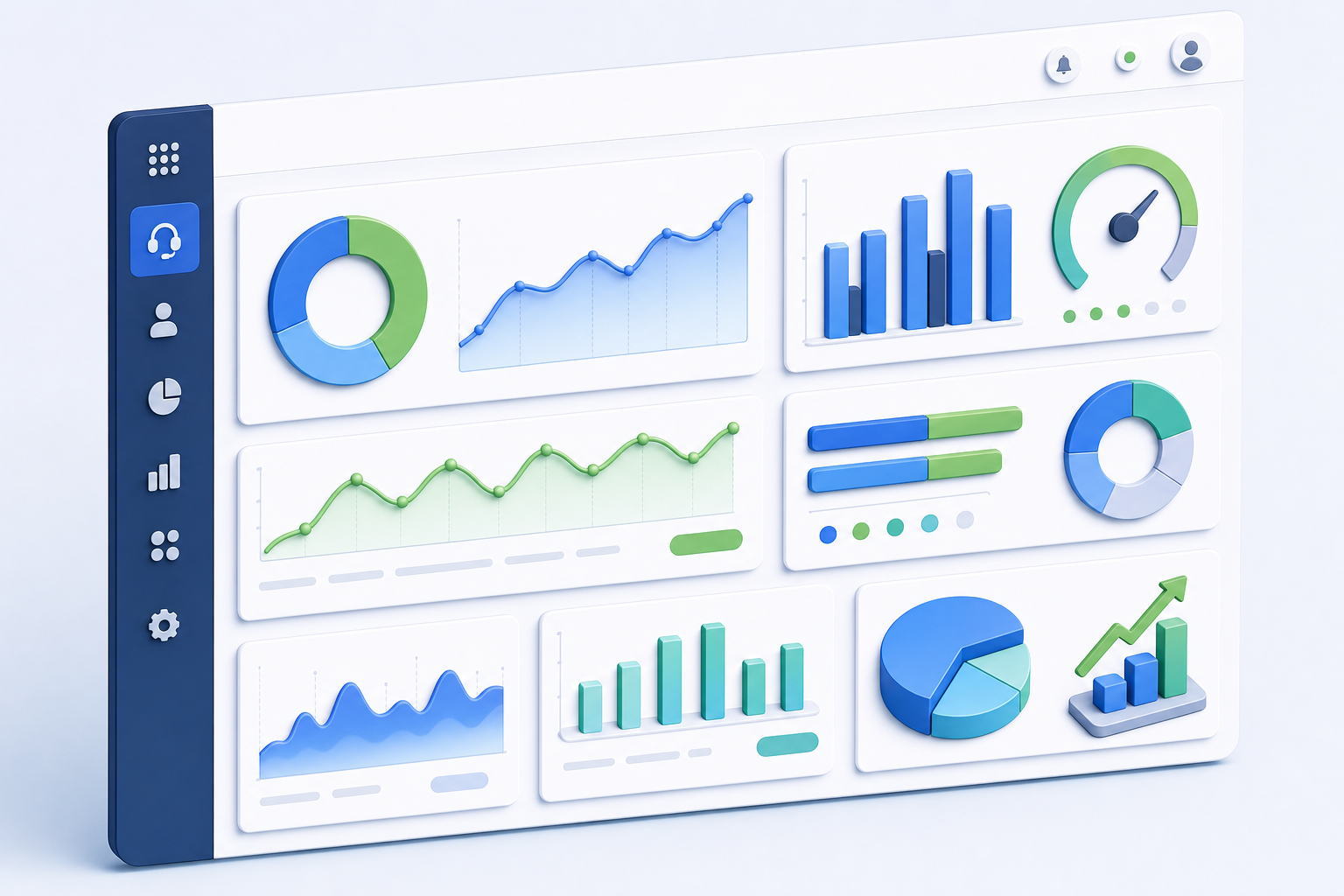
- First call resolution (FCR) tracks the percentage of issues resolved on the first contact. Industry benchmarks hover around 70% to 79%, so if your automated workflows push FCR above that range, you're outperforming most peers.
- Average handle time (AHT) captures how long each interaction takes from start to close, including after-call work.
- Customer satisfaction (CSAT) reflects survey scores collected immediately after an interaction.
- Containment rate measures the share of contacts fully resolved by automation without human handoff.
- Cost per contact divides total spend by the number of interactions handled.
- Automation ROI calculates net savings minus implementation and maintenance costs over a defined period.
Organizations with high self-serviceable contact volume and clean back-end integrations commonly report cost-per-contact reductions of 20% to 40% over a two to three year rollout. Track these numbers monthly, tie them to specific automation workflows, and you'll know exactly which investments deserve expansion.
Implementation Best Practices for Contact Center Automation
Start with the workflows that are high volume and low complexity. Password resets, order status lookups, appointment confirmations. Teams exploring AI agent builders can deploy these quick wins first. These give you quick wins, clean data on what's working, and internal buy-in before you tackle anything harder.
From there, a few principles separate smooth rollouts from stalled ones:
- Set measurable objectives before selecting any tool. "Reduce cost per contact by 15% in six months" beats "automate more stuff."
- Design every automated flow with a human handoff path. Customers who hit a dead end in a bot become your loudest detractors.
- Build for omnichannel from day one. Automating chat while ignoring voice and email creates inconsistent experiences that erode trust.
- Monitor weekly, not quarterly. Small adjustments to intent models and routing rules compound into major performance gains over time.
The best implementations treat automation as a living system, not a one-time deployment.
Challenges in Contact Center Automation
For all the promise, most organizations hit friction well before they see results. Only 25% of call centers have successfully integrated AI automation into their daily operations, highlighting the need for multi-platform automation tools, which means three out of four own tools they haven't fully put to work. The gap between purchasing and deploying is real.
Several obstacles keep showing up:
- Legacy system integration. Older CRMs, telephony stacks, and ticketing tools weren't built with API-first architectures. Connecting them to newer automation layers requires custom middleware or painful workarounds.
- Data quality. Automation is only as good as the data feeding it. Inconsistent records, duplicate entries, and siloed systems produce unreliable outputs.
- Emotional and edge-case interactions. AI still struggles with nuance, sarcasm, grief, and complex multi-issue complaints that need genuine empathy.
- Agent adoption. Reps who see automation as a threat rather than support will resist it. Change management matters as much as the tech itself.
- Over-automation. Forcing customers through bot loops with no clear path to a human creates the exact frustration you're trying to eliminate.
Only 7% of contact centers deliver truly smooth cross-channel transitions. That stat should give every leader pause before assuming their omnichannel strategy actually works from the customer's perspective.
How Composite Automates Browser-Based Contact Center Work
Most contact center automation targets the conversation itself: routing, chatbots, voice AI. But what about everything agents do between conversations? Updating CRM records, copying ticket details across tabs, researching customer history in three different systems. That's where we come in.
Composite is a browser-layer agent that works inside Chrome, Edge, or Brave. Press Cmd/Ctrl + Shift + Space, describe the task in plain English, and Composite plans and executes it across whatever web apps your agents already use. No API keys, no custom integrations. It runs locally in their existing browser, using their logged-in sessions.
For contact center teams, common workflows include:
- Syncing post-call notes into your CRM and ticketing system simultaneously so nothing falls through the cracks after high-volume shifts
- Pulling customer context from multiple tabs into a single view before a callback, cutting prep time from minutes to seconds
- Drafting follow-up emails from existing case data without toggling between five different windows
Our multi-model architecture routes each action to the fastest, most capable AI for the job. On the security side, we're SOC-2 Type 2 compliant with enterprise-grade security, our AI subvendors do not retain or store any data, and execution happens locally in the agent's own browser with explicit confirmation prompts before any high-risk action fires. The result? Less toggling, fewer copy-paste errors, and more time spent actually solving customer problems.
Final Thoughts on Automating Contact Center Operations
The difference between owning automation tools and actually using them comes down to execution. Contact center automation workflows need clean data, clear objectives, and agents who understand the tech supports them instead of replacing them. Start with password resets, order lookups, or appointment confirmations, track your metrics monthly, and expand what works. Your customers expect faster service and your team deserves to focus on problems that require real thinking instead of data entry across five tabs.
FAQ
Contact center automation vs traditional IVR systems?
Contact center automation uses conversational AI and intelligent routing that adapts to context across voice, chat, email, and SMS, while traditional IVR systems follow rigid decision trees and keypad menus. Automation handles complex workflows across multiple channels simultaneously, going beyond basic call routing.
Can I automate contact center workflows without custom API integrations?
Yes. Composite executes browser-based tasks across your existing web apps—CRM updates, ticket syncing, customer research—using your agents' logged-in sessions without requiring API keys or custom integrations. Press Cmd/Ctrl + Shift + Space, describe the task, and it runs locally in Chrome, Edge, or Brave.
What is the fastest ROI from contact center automation?
Start with high-volume, low-complexity workflows like password resets, order status lookups, and appointment confirmations. Organizations with clean back-end integrations commonly see cost-per-contact reductions of 20% to 40% over two to three years, with initial wins visible within the first few months.
How do you measure if contact center automation is actually working?
Track six KPIs: first call resolution (target 70-79%), average handle time, customer satisfaction scores, containment rate (contacts resolved without human handoff), cost per contact, and automation ROI. Monitor these monthly and tie them to specific workflows to identify which investments deserve expansion.