Most SDR teams cobbled together an sdr automation stack with Zapier wiring the CRM, data providers, enrichment tools, and sequencer into a single pipeline. It worked until the task count blew past 10,000 per month, workflows started timing out on enrichment chains, and every site without a clean API became a dead end. Reps still spend only 28% of their week actually selling because the rest disappears into manual toggling that Zapier was supposed to automate. The fix is swapping Zapier for a browser agent that reads screens visually, clicks through forms, and chains prospect research into CRM updates without connectors. It reuses your existing sessions, adapts when layouts change, and collapses a 15-minute prospecting pass into 60 seconds.
TLDR:
- SDRs lose 72% of their week to manual work across six or more tools per email because Zapier can't automate sites without APIs.
- A 10-step Zapier workflow running 1,000 times monthly burns 10,000 tasks and breaks when enrichment chains time out or layouts change.
- Browser agents read pages visually and click through forms on your behalf, collapsing 15-minute prospecting passes into 60 seconds.
- Local browser agents reuse your logged-in CRM and LinkedIn sessions; cloud agents require you to export credentials to remote servers.
- Look for SOC-2 Type 2 compliance and zero data retention policies on AI subvendors when reviewing browser agents for security reviews.
The Manual SDR Workflow Problem
A typical outbound rep touches six or more tools before sending a single email. They pull a lead from a spreadsheet or CRM, open LinkedIn to check the prospect's role and recent activity, hop to a company database for firmographics, switch to an email tool to draft a message, log the activity back in the CRM, and then repeat. Each context switch costs roughly 23 minutes of refocus time according to UC Irvine research, and reps spend only 28% of their week actually selling. The rest disappears into tab juggling, copy-pasting, and data entry that adds zero strategic value.
What Makes Up an SDR Automation Stack in 2026
Most SDR stacks in 2026 break down into five core layers:
- CRM (Salesforce, HubSpot) as the system of record
- Data providers (ZoomInfo, Apollo) for contact and firmographic sourcing
- Outreach and sequencing tools (Outreach, Salesloft) for multi-channel cadences
- Enrichment services (Clearbit, Clay) for layering in intent signals and technographics
- Automation glue platforms (Zapier, Make, Tray) that wire the other four layers together
Even two years ago, a fully loaded SDR org might run 12 to 15 point solutions across these categories. The trend since then has pushed toward consolidation, with teams collapsing their sdr automation stack down to three to five core systems to cut data silos and maintenance overhead. Sequencing tools now ship native enrichment; CRMs bundle basic intent data. But the connective layer, the glue that moves information between tools and triggers actions across them, remains the part most teams still cobble together manually or through brittle automations.
Why Zapier Became the Default Glue Layer
Zapier filled the no-code automation gap because it asked nothing of engineering.
The math scaled quickly, though. An SDR team running lead enrichment across 200 prospects per week with four steps per workflow burns through 3,200 tasks a month, often blowing past basic plan limits before the quarter is half over.
Where Zapier Workflows Break Down for SDR Teams
A 10-step Zap running 1,000 times per month consumes 10,000 tasks, and that's a single workflow. Stack three or four of those across your SDR motion and you're deep into enterprise-tier pricing before the pipeline even moves.
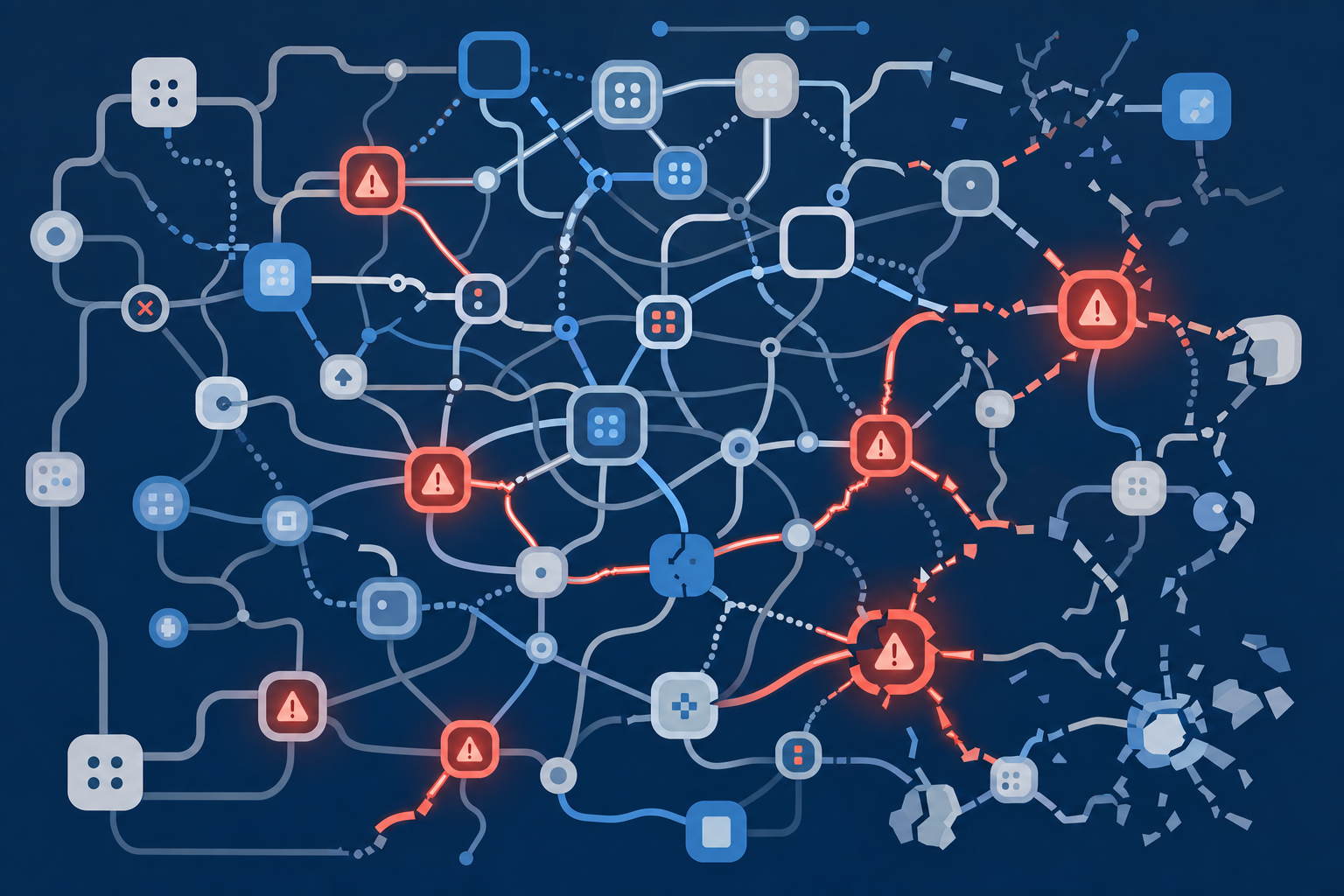
Beyond cost, there are structural ceilings. Zaps cap at 100 steps including paths, so complex sequences must be split across multiple Zaps that reference each other. Teams looking for browser automation solutions that work with their current tools often hit these limits quickly. Timeouts kill long-running enrichment chains. Zapier also has no way to read a webpage visually, which means any site lacking a clean API integration falls outside what it can automate. And when a 15-step Zap breaks at step 11, debugging the chain of serialized triggers is its own time sink.
How Browser Agents Differ From Workflow Automation
Workflow tools like Zapier operate on a trigger-action model: an event fires in App A, and a predefined connector pushes data to App B. Automated agents take a different approach. Every link in the chain depends on a published API and a pre-built integration. If a tool lacks one, the workflow stops.
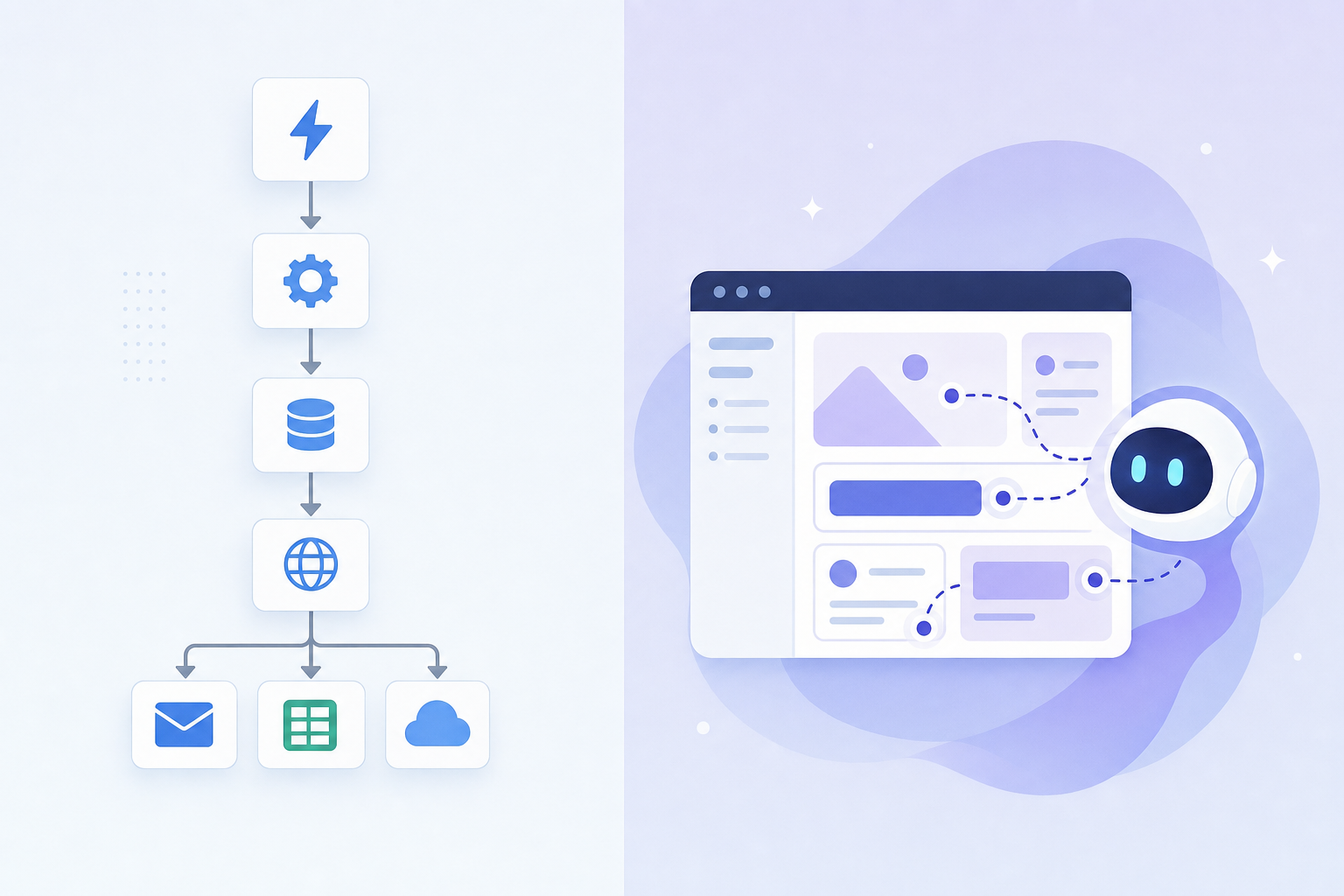
A browser agent works differently. It uses vision models and LLMs to interpret what's on screen, click buttons, fill forms, and move between sites the same way a human would. These web browser automation tools require no connectors. It reuses your existing logged-in sessions, adapts when a site's layout changes, and operates on pages that block headless browsers or never offered an API in the first place.
What Browser Agents Can Automate in SDR Workflows
In practice, a browser agent can collapse an entire prospecting pass into a single instruction:
- Pull a prospect's LinkedIn profile, scan their recent posts, and note their current role
- Cross-reference company details on a firmographic database or the company's own site
- Log all of that research into your CRM without toggling a single tab
- Draft a personalized first-touch email using the context it just gathered
- Update the lead's status and queue the message in your sequencing tool
That sequence used to require four to six separate Zaps and around 15 minutes of manual toggling per prospect. Browser automation tools for sales teams have changed that entirely. A browser agent runs it in under 60 seconds because it reads each page visually, types into fields, and clicks through menus on your behalf. Tools without API integrations are no longer dead ends; if a rep can see it in a browser, the agent can act on it.
Browser Agent Architectures: Local vs Cloud Execution
The split comes down to where the browser lives.
Local execution | Cloud execution (Browserbase, Airtop) | |
|---|---|---|
Auth handling | Reuses your logged-in sessions | Requires credential injection or session export |
Detection risk | Looks like normal browsing | Often flagged or blocked by sites |
Compliance | Data stays in your browser during execution | Data routes through remote servers |
Scaling | Tied to your machine being on | Spins up parallel instances on demand |
Best fit for SDRs | CRM updates, LinkedIn research, sequencing | Scheduled batch enrichment, high-volume list building |
For most SDR workflows, the work is session-dependent. Sales prospecting automation tools need access to your logged-in sessions. You need your Salesforce login, your LinkedIn cookies, your Outreach credentials. Cloud agents require you to export those sessions or re-authenticate in a remote environment, adding setup friction and creating another surface for credential exposure. Local agents sidestep that entirely.
Cloud execution still makes sense when you need to run hundreds of enrichment jobs on a schedule without keeping a laptop open. But if the bulk of your day is prospect research and CRM hygiene, local wins on both convenience and security posture.
The AI SDR Agent vs Browser Agent Distinction
Autonomous AI SDRs like 11x.ai and Artisan Ava sit as a standalone seat on your team, handling research through meeting booking with no human in the loop. This is agentic automation at work. 41% of enterprise B2B teams reported at least one AI SDR in production by Q1 2026, up from 12% a year prior.
Browser agents take a different approach. They automate the manual browser work while the rep controls targeting and messaging. If your goal is scaling outbound without adding headcount, an autonomous SDR may fit. If you want human judgment in the loop while removing the repetitive legwork, a browser agent is the better pick.
Security and Compliance Considerations for Browser Automation
Any browser agent that touches your CRM and LinkedIn will face scrutiny from IT. The questions are predictable: where do credentials live, who retains the data, and what controls exist for misuse?
Local execution answers the credential question cleanly. The agent reuses your existing browser sessions, so there are no passwords to vault or rotate in a third-party environment. For data retention, look for agents whose AI subvendors operate under a zero data retention policy, meaning the models processing your prompts store nothing. SOC-2 Type 2 compliance narrows the field further, but it is often the single fastest way through a procurement review.
On the controls side, IT teams should expect website blocklists that prevent the agent from visiting restricted domains, along with explicit confirmation gates before high-risk actions like sending an email or updating a record. These guardrails turn a security conversation from "should we allow this" into "how do we configure it."
Building a Browser Agent Into Your SDR Stack
A browser agent doesn't replace any of the five layers already in your stack. It sits on top, acting as the connective tissue between your CRM, data providers, enrichment tools, and sequencer. On day one, most teams start with a single workflow: prospect research piped into CRM fields. The agent opens each tool in your browser, reads the screen, and moves data between them without connectors.
The real shift happens when you stop thinking in terms of integrations and start thinking in terms of instructions. Instead of wiring Zap A to Zap B to Zap C, you describe the outcome you want and the agent handles the clicks.
Human approval gates slot in naturally. Set the agent to pause before sending any outreach or updating a deal stage, so a rep reviews the draft or the field change before it goes live. As confidence builds, you can loosen those gates for low-risk actions like logging notes while keeping them tight on anything prospect-facing.
For tracking progress, focus on three numbers: time saved per workflow (compare the old manual pass against the agent's runtime), error rate on CRM entries (spot-check a sample weekly), and manual override frequency (how often reps reject or edit the agent's output).
Why Composite Is Purpose-Built for SDR Browser Automation
Composite brings all of the browser agent advantages discussed above into a single Chrome extension. You invoke it with Cmd+Shift+Space, describe the workflow you want, and its multi-model architecture routes each step to the fastest, most capable model available. No single-vendor lock-in, no connector maintenance.
Because actions execute locally in your existing browser, Composite reuses your logged-in sessions across Salesforce, LinkedIn, Outreach, and every other tool in your sdr automation stack. Composite's AI subvendors operate under a zero data retention policy, and the agent is SOC-2 Type 2 compliant. For SDR teams ready to replace Zapier with a browser agent that adapts when pages change, Composite is worth a look at composite.com.
Final Thoughts on Browser Agent Execution for SDR Teams
The local versus cloud execution question comes down to where your credentials live and how much session-dependent work you need automated. For most SDR workflows, local wins on both convenience and compliance posture because it reuses the sessions you already have open. Cloud makes sense when you need scheduled batch jobs at scale, but if your reps are doing prospect research and CRM updates all day, local is the cleaner fit. Let us know if you want to walk through how Composite handles your specific sdr automation stack and approval gates.
FAQ
Can I build an SDR automation stack without Zapier?
Yes. Browser agents execute workflows directly in your browser by reading pages visually and clicking through sites on your behalf, eliminating the need for Zapier's connector-based triggers. They work on any logged-in tool in your stack without requiring API integrations or pre-built Zaps.
Browser agent for SDR vs autonomous AI SDR—what's the difference?
Browser agents automate the repetitive browser work (research, CRM updates, data entry) while keeping human judgment in the loop for targeting and messaging. Autonomous AI SDRs like 11x.ai handle the entire outbound motion from research through meeting booking with no human involvement, functioning as a standalone seat on your team.
How do local browser agents handle security for CRM and LinkedIn access?
Local browser agents reuse your existing logged-in browser sessions instead of extracting or storing credentials, which removes the need to vault passwords in a third-party environment. Look for SOC-2 Type 2 compliance and agents whose AI subvendors operate under a zero data retention policy to satisfy IT security reviews.
What makes a browser agent faster than a 10-step Zap for prospect research?
A browser agent collapses an entire prospecting pass (LinkedIn profile scan, firmographic lookup, CRM logging, email draft, sequencer update) into a single instruction that runs in under 60 seconds. A 10-step Zap chains separate API calls sequentially and breaks when a tool lacks a connector, while a browser agent reads each page visually and adapts when layouts change.