You spend 38% of your time coordinating interviews, another chunk screening resumes by hand, and the rest copying data between tools that should already talk to each other. If that workflow sounds familiar, you're living through the manual recruiter tasks that automation was built to solve. The bottleneck is not that the tools don't exist, it's that most recruiters don't realize how fast they can set up these quick recruiter wins. Here are three recruiter workflows you can stop doing manually and start automating this week, with no IT tickets required.
TLDR:
- Screening and scheduling consume 80% of recruiter time per hire; ATS filters and tools like HireVue cut manual resume review to minutes.
- Talent teams spend 38% of their time coordinating interviews; self-scheduling links set up in under an hour cut out the back-and-forth loop.
- Manual ATS data entry costs 20 minutes per candidate; resume parsing, email sync, and Chrome extensions activate with a single toggle or install.
- Composite chains multi-step workflows in your existing browser: research candidates, draft outreach, update your ATS, and queue scheduling links in one run.
Manual Candidate Screening and Resume Review
If you've ever opened your inbox on a Monday morning to find 200 new applications for a single role, you already know where the day goes. Resume review is the recruiter workflow that swallows the most hours, and it barely requires your expertise for the first pass. According to Manatal, screening and scheduling alone consume 80% of the time recruiters spend on a given hire.

The bottlenecks are predictable: volume overwhelm when requisitions stack up, inconsistent evaluation criteria as your eyes glaze over by application number forty, and the unconscious bias that creeps in when you're making snap judgments at speed. None of these problems require a human brain to solve at the first-pass level. They require pattern matching against a job description, and that is exactly what automated screening tools do well.
Most ATS products you're already paying for have built-in screening features that rank or filter applicants by keyword match, years of experience, or credential requirements. For a deeper look at automation tools for recruiters, you can compare dedicated screening platforms alongside ATS-native options. Standalone screening tools like HireVue or Pymetrics go further with skills-based scoring powered by agentic automation. The point is, you can set this up within a few days, not months.
In a self-reported survey, nearly a third of recruiters said AI tools save them between five and ten hours every week, per Atlas's AI agency recruitment report, and screening is where the bulk of those hours come back.
The win here is less about fancy tech and more about removing yourself from a step where your judgment adds little value. Let the filter do the filtering. Save your real attention for the candidates who actually warrant a conversation.
Interview Scheduling Coordination
Scheduling is the quiet time sink that recruiters underestimate because each instance feels small. But according to GoodTime, talent teams spend 38% of their time just coordinating interviews. That percentage climbs fast when you factor in panel interviews, cross-timezone candidates, and the inevitable reschedules.
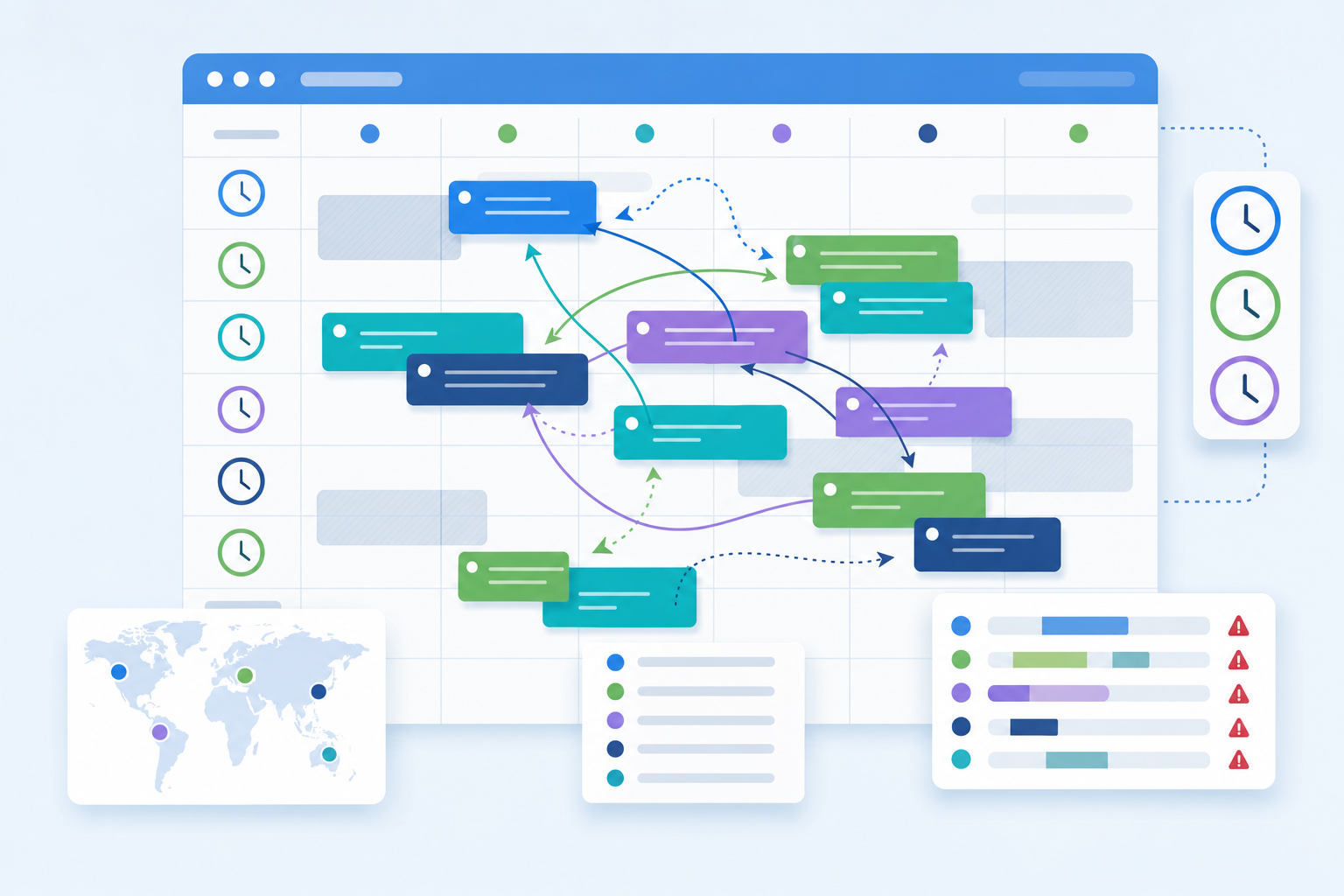
The friction is almost always the same loop: you email the candidate with times, they reply with conflicts, you check the hiring manager's calendar again, someone moves a meeting, and you start over. Per Pin's research, 30 min to 2 hours per interview booking a single interview. Multiply that across a dozen open roles and you've lost a full day to calendar Tetris.
Self-scheduling links kill this loop entirely. The candidate picks from pre-approved time slots, the calendar confirms automatically, and reminder emails go out without you touching anything. For teams handling scheduling at volume, browser agents can handle the entire coordination layer. Setup takes under an hour in most cases.
Standalone Tools vs. ATS-Integrated Scheduling
Your choice depends on what you're already running:
- Standalone tools like Calendly or GoodTime give you polished candidate-facing booking pages, timezone detection, and round-robin distribution across interviewers. They work regardless of which ATS you use.
- ATS-integrated scheduling, built into Greenhouse, Lever, or similar systems, keeps everything in one place, which means fewer tabs and no data sync issues. The trade-off is that these built-in schedulers tend to be less flexible with complex panel configurations.
If your ATS scheduler handles your volume, start there. If you're regularly juggling multi-stage loops with several interviewers, a dedicated tool pays for itself in the first week.
ATS Data Entry and Candidate Profile Updates
Every candidate you move forward generates a trail of data that needs to live somewhere: contact details scraped from a LinkedIn message, qualifications pulled from a PDF, notes jotted during a phone screen. When that somewhere is your ATS and the transfer method is copy-paste, errors compound quietly. A misspelled email means a lost offer letter. A missing phone number means a sourcer re-does work you already did. This is where task automation saves both time and accuracy across every candidate touchpoint. According to Flexspring, roughly 20 minutes per candidate, which adds up to hours across a single req.
The fixes here are low-effort and high-payoff:
- Resume parsing built into your ATS (Greenhouse, Lever, Workday, and most others include it) automatically extracts name, email, work history, and education from uploaded files. If you're still hand-typing these fields, turn parsing on today.
- Email integration plugins sync Gmail or Outlook threads directly to candidate records, so you stop toggling between your inbox and your ATS to log conversations.
- Chrome extensions from providers like Apollo.io or your ATS's own sourcing add-on let you push LinkedIn profile data into a candidate record with a single click.
None of these require IT tickets or API configuration. Most activate through a browser extension install or a toggle inside your existing ATS settings.
The real cost of manual entry is less about the 20 minutes per candidate and more about what those minutes displace. Every block of time you spend on data transcription is time you're not spending on the part of recruiting that actually needs a human: building relationships with candidates who are weighing multiple offers.
Recruiter Workflow | Time Saved Per Action | Automation Approach |
|---|---|---|
Resume screening and candidate review | Screening and scheduling consume 80% of time per hire when done manually | ATS-native filters rank applicants by keyword match and credentials; standalone tools like HireVue and Pymetrics add skills-based scoring |
Interview scheduling coordination | 67% of recruiters spend 30 minutes to 2 hours booking a single interview | Self-scheduling links let candidates pick from pre-approved time slots with automatic calendar confirmation and reminders |
ATS data entry and profile updates | Manual data entry costs roughly 20 minutes per candidate | Resume parsing extracts contact and work history from uploaded files; email integration syncs conversations directly to candidate records |
Cross-tool workflow orchestration | Chains complete sequences that previously required toggling across multiple tabs and tools | Composite connects LinkedIn research, outreach drafting, ATS updates, and scheduling links in a single run inside your existing browser |
How Composite Eliminates Cross-Tool Recruiter Busywork
The tools covered in the previous sections each solve a single slice of the recruiting workflow. Screening filters applications, scheduling tools book interviews, and parsing extensions handle data entry. But the connective tissue between those steps is still you, toggling across LinkedIn, your ATS, email, and a dozen open tabs to stitch everything together.
That's the gap we built Composite to close. You describe a task in plain English, and Composite chains the full sequence: research a candidate across LinkedIn and their company site, draft personalized outreach based on what it finds, update the candidate record in your ATS, and queue up a scheduling link. This is how automated agents handle AI workflow automation across multiple steps without human handoffs. It runs inside the Chromium browser you already use, working with your existing logged-in sessions, so there are no API keys to configure and no re-authentication headaches. For a broader look at options, see our roundup of web browser automation tools.
Under the hood, our multi-model architecture routes each step to the best-fit AI for that specific job, whether it's parsing a resume PDF or composing a message that sounds like you wrote it. Over time, Composite's proactive task detection picks up on your patterns and surfaces recurring workflows before you even open the command bar. If you've been manually copying candidate details from one tab to another, that's exactly the kind of recruiter workflow automation Composite handles in a single chained run.
We're not a replacement for your ATS or your scheduling tool. We're the layer that makes them talk to each other without you playing middleman. For more on browser automation solutions, you can see how this approach fits recruiting stacks and beyond.
Final Thoughts on Getting Hours Back in Your Recruiting Week
The pattern across these workflows is the same: you're doing work that doesn't need your judgment, and the fix is closer than you think. Screening tools, scheduling links, and parsing extensions each solve one slice, but the real time sink is you stitching them together. Pick one manual task that costs you an hour every day and remove yourself from it. If you want to stop playing middleman between all your tools, contact Composite.
FAQ
Can I automate resume screening without replacing my ATS?
Yes. Most ATS platforms already include built-in screening features that rank or filter applicants by keyword match, experience, and credentials. You can activate these within your existing system in a few days, or layer on standalone tools like HireVue or Pymetrics for skills-based scoring without switching platforms.
What's the fastest way to eliminate interview scheduling back-and-forth?
Self-scheduling links cut out the email loop entirely. Candidates pick from pre-approved time slots, the calendar confirms automatically, and reminders go out without your involvement. Setup takes under an hour with tools like Calendly or your ATS's built-in scheduler, and you'll save 30 minutes to 2 hours per interview according to Pin's research.
How much time does ATS data entry actually waste per candidate?
Manual data entry consumes roughly 20 minutes per candidate according to Flexspring. Across a single requisition with dozens of applicants, that's hours spent transcribing information instead of building relationships with candidates who are weighing multiple offers. Resume parsing and email integration plugins eliminate most of this work.
Composite vs standalone automation tools for recruiters?
Standalone tools each solve one step: screening filters applications, scheduling books interviews, parsing handles data entry. Composite chains the full sequence across LinkedIn, your ATS, email, and scheduling links in a single run, working inside your existing browser without API configuration. It's the connective layer between tools, not a replacement for them.
Should I automate candidate screening if I'm worried about bias?
Automated screening removes the unconscious bias that creeps in when you're making snap judgments by application forty, but only if you set consistent evaluation criteria up front. The filter applies the same pattern-matching logic to every candidate, which is fairer than human judgment at speed during high-volume requisitions.