A five-step Zap burns through your task quota five times faster than you budgeted for. You think in outcomes—leads processed, candidates screened, orders fulfilled—but Zapier counts each micro-step, and when volume picks up, costs can run 10 to 20 times higher than alternatives. Knowledge workers searching for Zapier alternatives that can handle browser automation at scale keep hitting the same fork: tools that rely on API connectors, or tools that work at the UI layer on any site you're logged into. If the apps you actually use every day don't have connectors, the choice narrows fast.
TLDR:
- Zapier charges per individual action, so a five-step workflow burns five tasks every time it runs, costing 10 to 20 times more than alternatives like Make or n8n for the same throughput.
- Browser automation works on any site you can log into without API connectors, handling apps that have no public API or limit access behind OAuth configurations.
- Migration off Zapier requires rebuilding every Zap in new syntax, re-authenticating all connected apps, and running both systems in parallel while you validate outputs.
- Zapier still works best for teams running under 2,000 tasks per month, where simplicity and its 8,000+ native integrations outweigh optimization costs.
- Composite runs as a Chrome, Edge, or Brave extension with local execution, SOC-2 Type 2 compliance, and up to five concurrent threads on Pro to close the gap between per-task billing and outcome-based work.
Why Knowledge Workers Hit Zapier's Ceiling
Zapier is fine when you're connecting two apps with a single trigger. The trouble starts when your workflows grow legs.
Knowledge workers spend roughly 41% of their time on automatable tasks. Understanding task automation helps reclaim that time. Naturally, people reach for Zapier to claw some of that back. But the tool's billing model charges per individual action, and a five-step Zap burns five tasks every time it fires. Connect a form submission to a CRM update, a Slack notification, a spreadsheet log, and a follow-up email, and what feels like one workflow eats your task quota five times faster than you budgeted for.
That gap between how you think about work and how Zapier meters it is the core problem. You think in outcomes: leads processed, candidates screened, orders fulfilled. Zapier counts each micro-step along the way. When volume picks up, costs can run 10 to 20 times higher than alternatives like Make or n8n for the same throughput.
For knowledge workers who spend roughly 85% of their day trapped in cross-tool browser busywork, this pricing ceiling turns Zapier from a time-saver into a line item that needs its own justification. The search for something better isn't about hating the product; it's about outgrowing the model.
The Task Trap: How Multi-Step Workflows Multiply Costs
Consider what a recruiter's workflow actually looks like. A new application lands, and the Zap fires: pull the resume, check the ATS for duplicates, log the candidate, notify the hiring manager, and send an acknowledgment email. That's five tasks for a single applicant. Multiply by 40 applications a day, and one workflow consumes 200 tasks daily before lunch.

Sales ops hits the same wall differently. A closed-won deal might trigger a CRM field update, an invoice request, a Slack celebration post, a project-management card, and a calendar hold for onboarding. Seven tasks per deal, fired dozens of times a week.
The compounding gets worse with high-frequency triggers. A product manager syncing Jira status changes to Notion and Slack can rack up hundreds of tasks in a single sprint, because every status transition on every ticket counts independently. What the PM sees as "keep the board updated" is what Zapier sees as billable volume.
When Browser Automation Beats API Connectors
Zapier and tools like it depend on API connectors, and that dependency has a blind spot. Plenty of the web apps knowledge workers rely on daily have no public API at all. Others expose only a fraction of what you can do through the actual interface, or they gate access behind rate limits and OAuth configurations that require developer time to maintain.
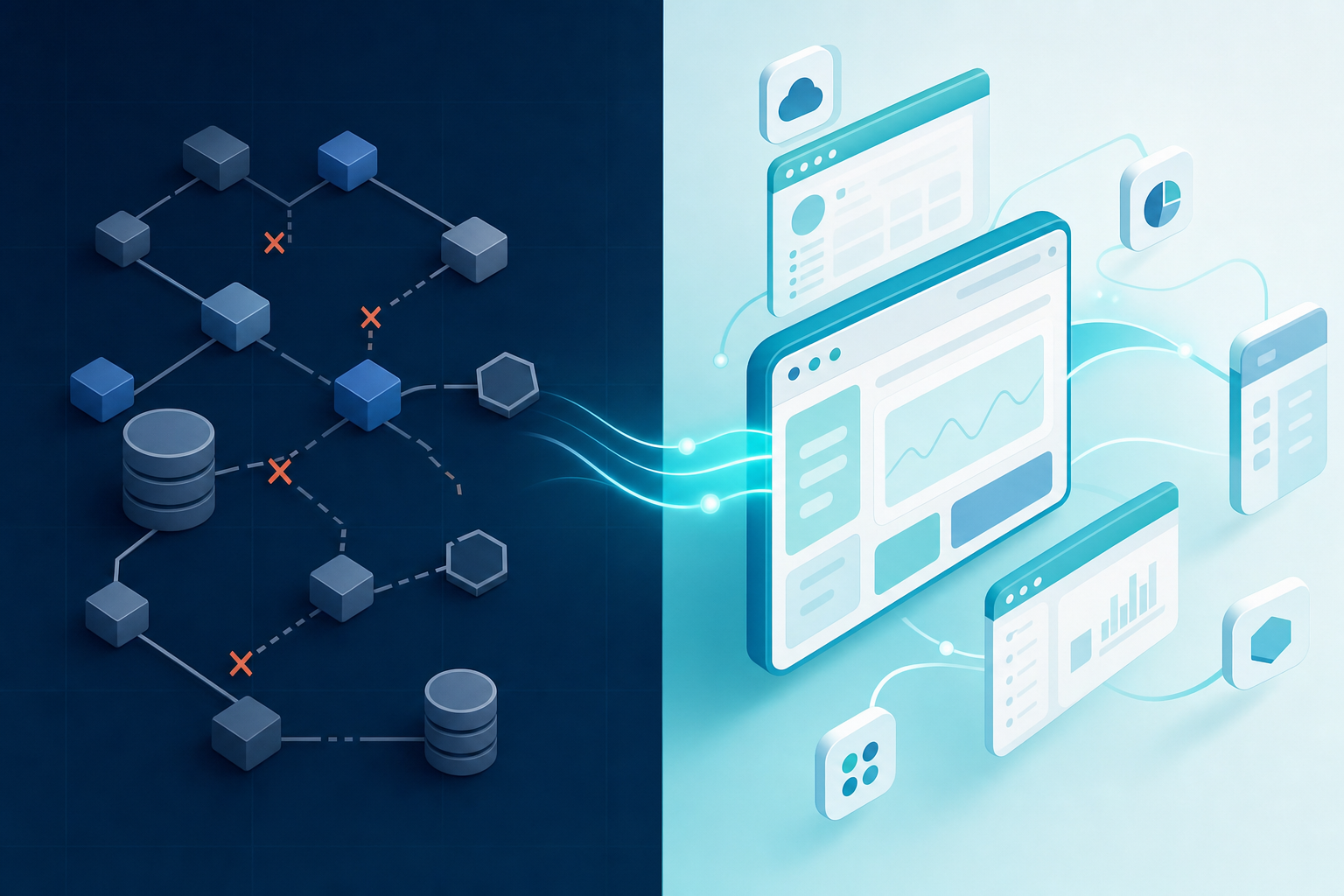
Browser automation sidesteps this entirely. Instead of waiting for a vendor to ship a connector, an automated agent operates at the UI layer, interacting with web applications the same way you do: clicking, typing, reading the screen, moving between tabs. It works on any site you can log into, which means your existing sessions and permissions carry over without re-authentication or API key management.
This matters most when your workflows cross tools that were never designed to talk to each other. A recruiter pulling data from a niche job board into an ATS, or an ops lead comparing numbers between two dashboards that share no integration, hits a wall with connector-based automation. Browser automation doesn't need those tools to cooperate; it just uses them through agentic automation approaches.
What to Look for in a Zapier Alternative for Knowledge Work
When you're comparing options, the feature list matters less than how each tool fits into the way you already work and the procurement environment you operate in. A few questions cut through the noise quickly:
- Does it work inside your current browser, or does it require migrating to a new one and re-earning IT approval?
- Does execution happen locally on your device, or does browsing data route through a vendor's cloud?
- Can it act on any website you're logged into, or only on apps with a supported connector?
- Is pricing tied to outcomes and usage you can predict, or does it penalize you for building workflows that actually run?
- Does the tool carry a third-party security certification like SOC-2 Type 2, and does it offer admin-level controls such as site blocklists?
- Will it learn your patterns over time and surface tasks proactively, or does every action require a manual prompt?
If a tool fails on migration cost or compliance alone, the rest of the feature set is irrelevant. Start with those constraints, then narrow to options that match your needs.
Zapier Alternatives by Architecture and Use Case
Four architectural categories cover the field, each suited to a different bottleneck:
Category | Best For | Examples | Tradeoff |
|---|---|---|---|
API workflow builders | Broad app coverage, complex conditional logic | Make, n8n, Workato | Still connector-dependent |
Browser automation | UI-layer tasks on apps without API access | Bardeen, browser agents | Often limited to recorded sequences |
No-code visual builders | Non-technical teams, simpler workflows | Pabbly Connect, Integrately | Shallower integrations, fewer triggers |
AI browser agents | Proactive cross-site workflows on any logged-in app | Automation bots like Composite | Newer category; security and execution models vary |
If your bottleneck is connector breadth, API builders are the natural step up from Zapier. If the apps you actually use have no connectors at all, browser automation solutions or an AI agent close the gap.
Migration Realities: Switching Costs and Compatibility
Switching off Zapier sounds simple until you inventory what you've built. Every Zap needs to be reconstructed in whatever syntax or visual builder the new tool uses, and that means re-learning conditional logic, filters, and error paths from scratch. Each connected app requires fresh authentication, too, since OAuth tokens and API keys rarely transfer cleanly between services.
Then there's the parallel-run period. You'll want both systems firing simultaneously while you validate that the new workflows produce identical outputs, which doubles your costs temporarily and demands close monitoring.
The less obvious expense is opportunity cost. Every hour spent recreating an existing Zap is an hour you're not building new automation. For teams running dozens of Zaps, that rebuild window can stretch into weeks. Before committing, tally your current monthly Zapier bill against a realistic migration timeline. If the payback period is longer than a quarter, optimizing your existing Zaps may be the smarter first move, or consider web browser automation tools as alternatives.
When Zapier Still Makes Sense
Zapier is still the right call for small teams running under 2,000 tasks per month, where the per-task cost stays manageable and simplicity outweighs optimization. Its library of 8,000+ native integrations means most mainstream business apps connect without any configuration headaches, and its onboarding curve is the gentlest in the category.
If your org has already standardized on Zapier, the sunk training costs and existing Zap library carry real weight. For basic marketing automation or straightforward sales workflows at low volume, switching would cost more than staying.
How Composite Solves the Browser Automation Gap for Knowledge Workers
Composite plugs into Chrome, Edge, or Brave as an extension. No new browser to install, no bookmarks to import, no IT approval cycle for a different app. You keep your logged-in sessions, your existing extensions, everything. Actions run locally on your device, so there are no API keys to manage and no OAuth flows to configure for the tools you already use daily.
Tasks route across multiple AI providers, matching the right model to the job, which sidesteps the single-vendor lock-in you'd get with Gemini in Chrome or Claude in Chrome. Proactive task detection picks up on your repetitive patterns and surfaces suggestions before you open the command bar, letting you automate browser tasks without scripts. The spotlight UI, summoned with Cmd/Ctrl + Shift + Space, stays out of your way until you need it, preserving full viewport in data-dense tools like CRMs and dashboards.
For teams with procurement requirements, Composite is SOC-2 Type 2 compliant and includes website blocklists, admin-level controls, and explicit confirmations for high-risk actions. AI subvendors operate under a zero data retention policy. Pro plan users can run up to five concurrent threads, which is where the gap between per-task billing and outcome-based work finally closes.
Final Thoughts on Finding Your Zapier Alternative
Switching costs are real, but so is the monthly bill for workflows that scale faster than your budget planned for. The best alternative is the one that works inside the browser you already use, handles the apps that don't have connectors, and prices based on outcomes you can predict. If you're comparing options and want to talk through how browser automation fits your team's workflows, we're here. Your next automation layer shouldn't require a migration project to use.
FAQ
Can I build browser automation without API connectors?
Yes. Browser-based agents operate at the UI layer, interacting with web apps the same way you do by clicking, typing, and reading the screen. This works on any site you're logged into, including tools with no public API or limited API access, without needing OAuth configurations or API key management.
Zapier vs browser agents for knowledge workers?
Zapier connects apps through API integrations and charges per individual action, which means a five-step workflow consumes five tasks every time it runs. Browser agents work at the UI layer on any logged-in site without connectors, and pricing is typically based on usage instead of individual micro-steps. For high-frequency, multi-step workflows across tools without API access, browser agents close the gap Zapier can't.
What should I check before switching off Zapier?
Inventory how many Zaps you've built, calculate the hours required to rebuild them in a new tool's syntax, and account for the parallel-run period when both systems fire simultaneously for validation. Compare your current monthly Zapier bill against a realistic migration timeline—if the payback period exceeds a quarter, optimizing existing Zaps may deliver better ROI than switching.
How do browser agents handle security and compliance?
Browser agents vary widely in architecture. Look for third-party certifications like SOC-2 Type 2, admin-level controls such as website blocklists, and clear policies on where execution happens (local vs. cloud) and what providers do with your browsing data. Agents that route data through external servers or lack zero-retention policies with AI subvendors create longer security review cycles for regulated teams.
When does Zapier still make sense for knowledge workers?
Zapier works well for teams running under 2,000 tasks per month at low volume, where per-task costs stay manageable and its 8,000+ native integrations connect mainstream apps without configuration overhead. If your organization has already standardized on Zapier with significant training investment and existing Zap libraries, the switching cost outweighs optimization for basic, low-frequency workflows.